
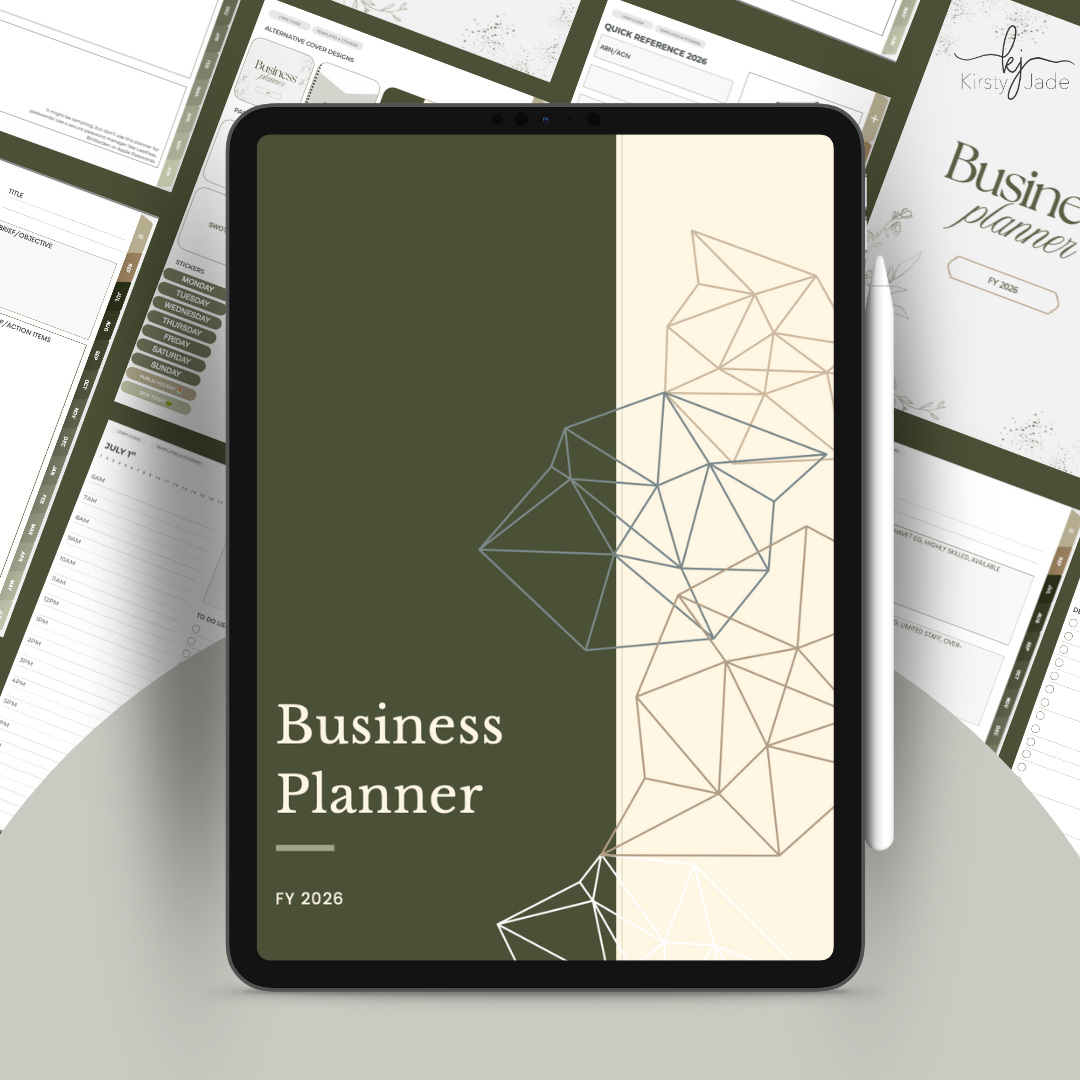
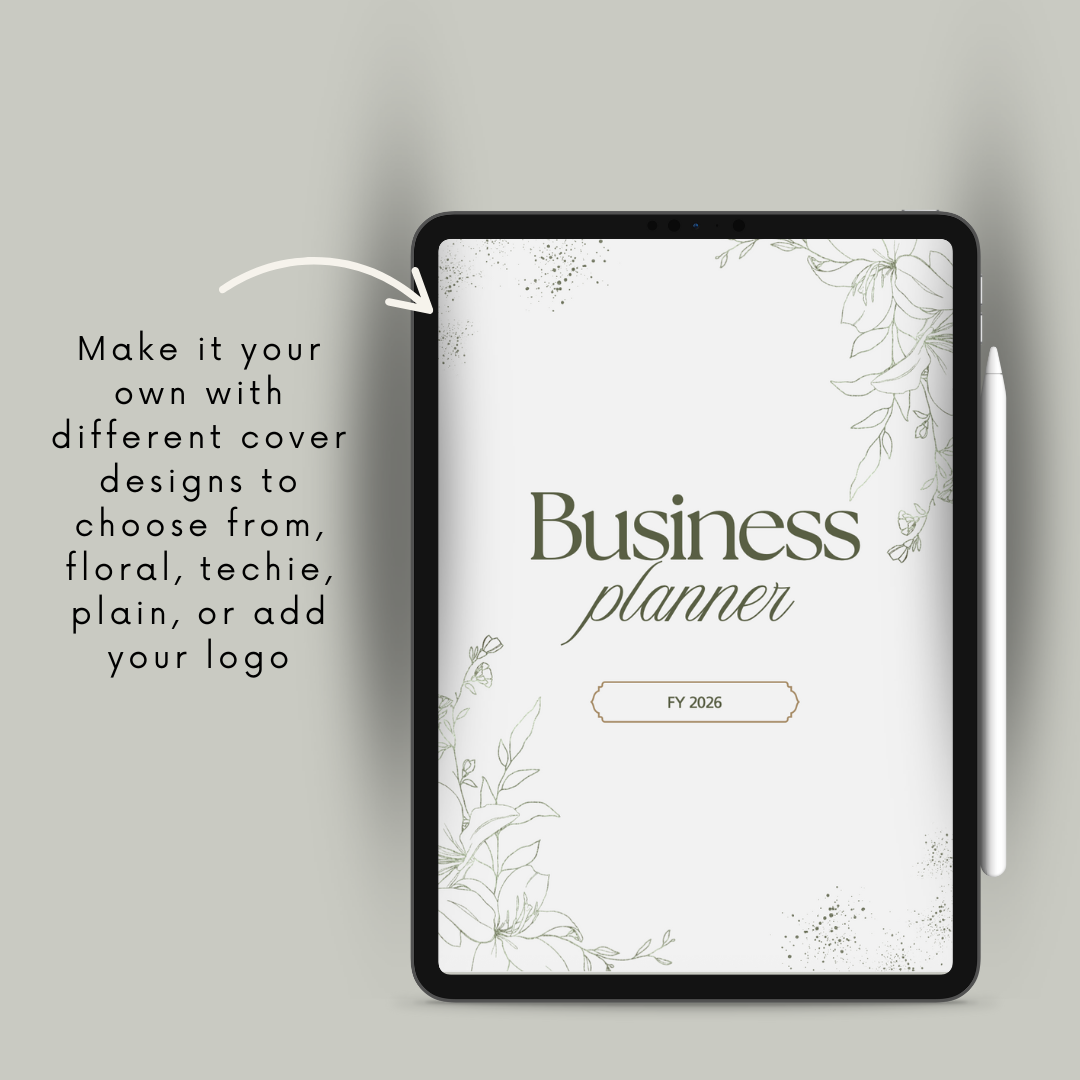
Get your business life organised in a single, ultra-flexible digital planner.
Ultra-flexible, this business planner is designed for the sole-trader, or small business owner that’s struggling wearing all the hats and getting a cohesive plan together.
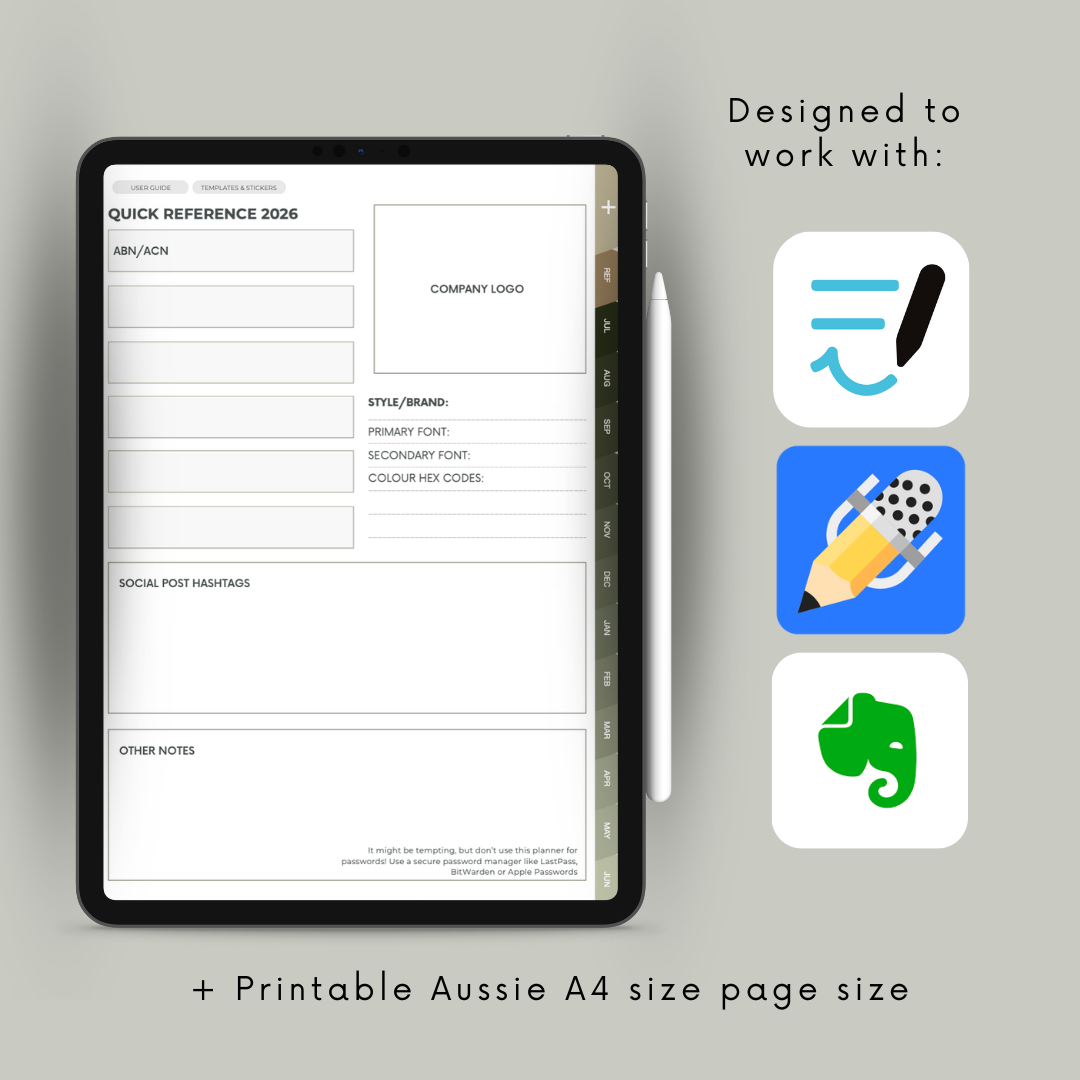
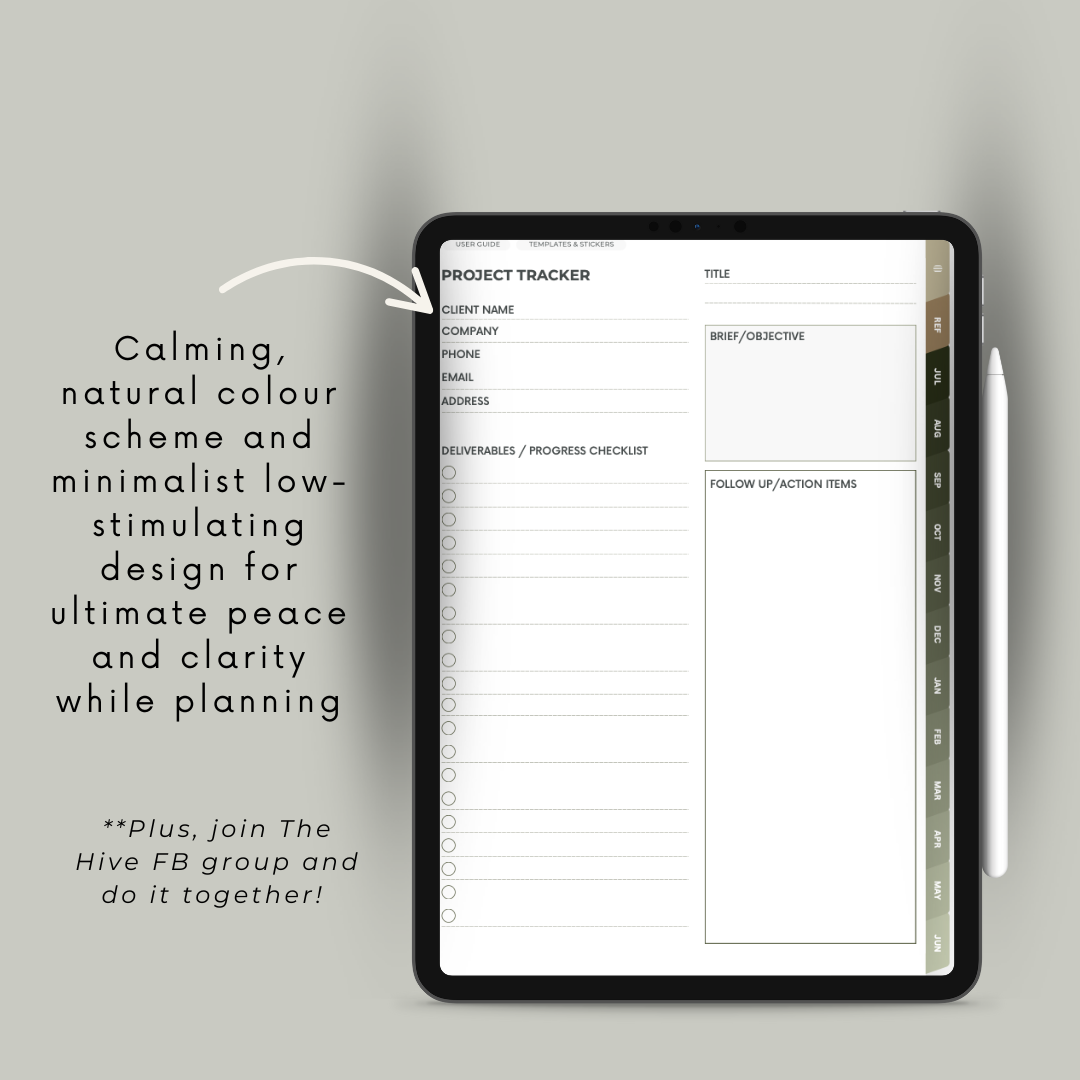
A minimal, low-stimulating design that lets your ideas take centre stage, with a printable Australian A4 size template designed for digital note-taking apps like GoodNotes, Notability and Evernote.
$35.00 Original price was: $35.00.$19.99Current price is: $19.99. inc GST
You’re chasing inbox zero (again), scrambling to post on socials, feed the pets, water the plants (or trying to), and squeezing in self-care somewhere between reheating last night’s dinner and another client call.
Sound familiar?
If you’re a sole trader or small biz owner, you know what it’s like to do it all. And in a world overflowing with AI tools, time-saving hacks and shiny new apps—somehow, it still feels like you’re chasing your tail.
I’ve tried them all too.
But I always come back to something simple: pen, paper, and peace of mind.
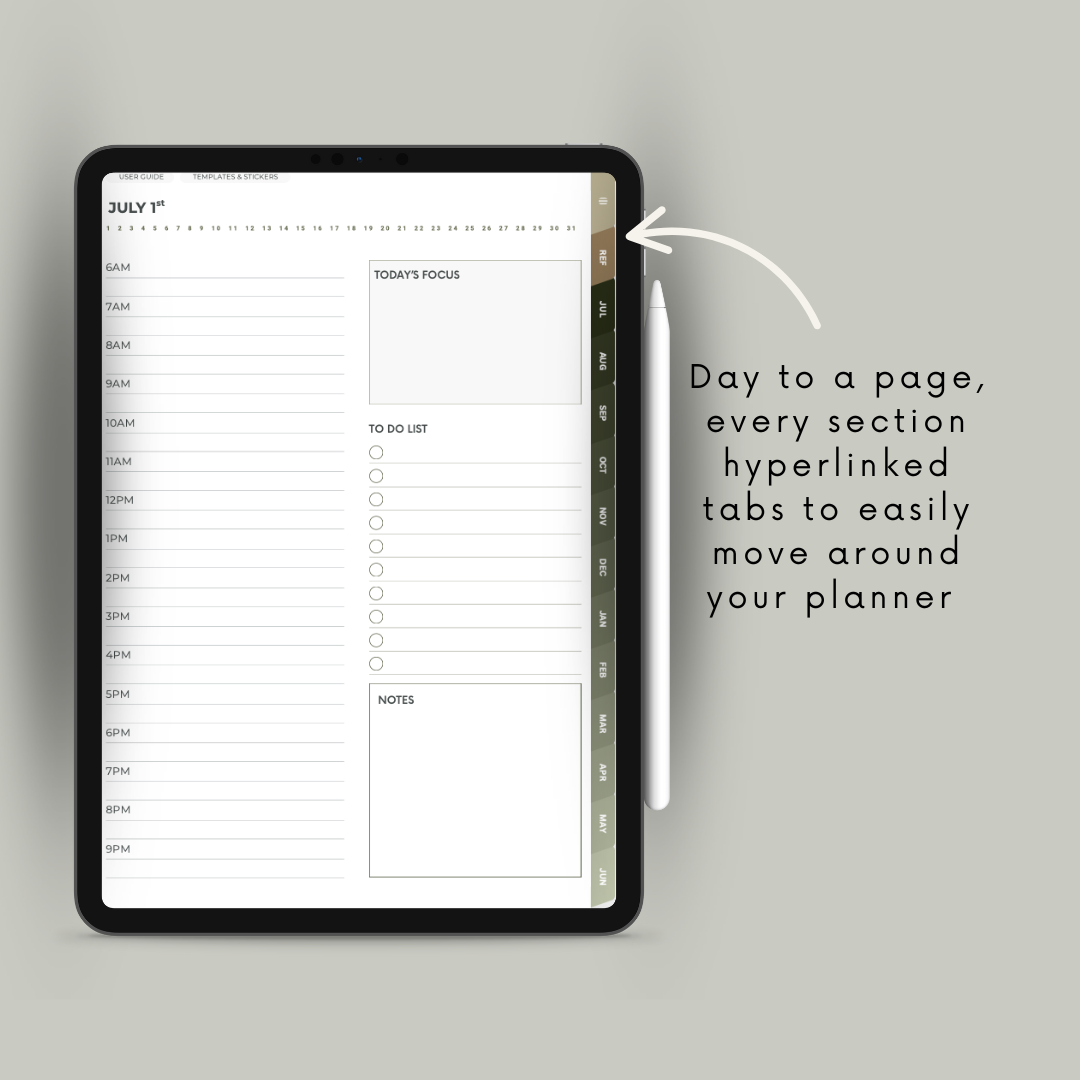
There’s power in writing things down. Getting it out of your head and onto “paper” can be the difference between 2am overthinking and a decent night’s sleep. And when that paper is actually a smart, searchable, digital planner with links, space for screenshots, and zero printing costs? Game. Changer.
This planner is made for you—the solo business owner who’s wearing all the hats and needs structure, strategy, and sanity in one place.
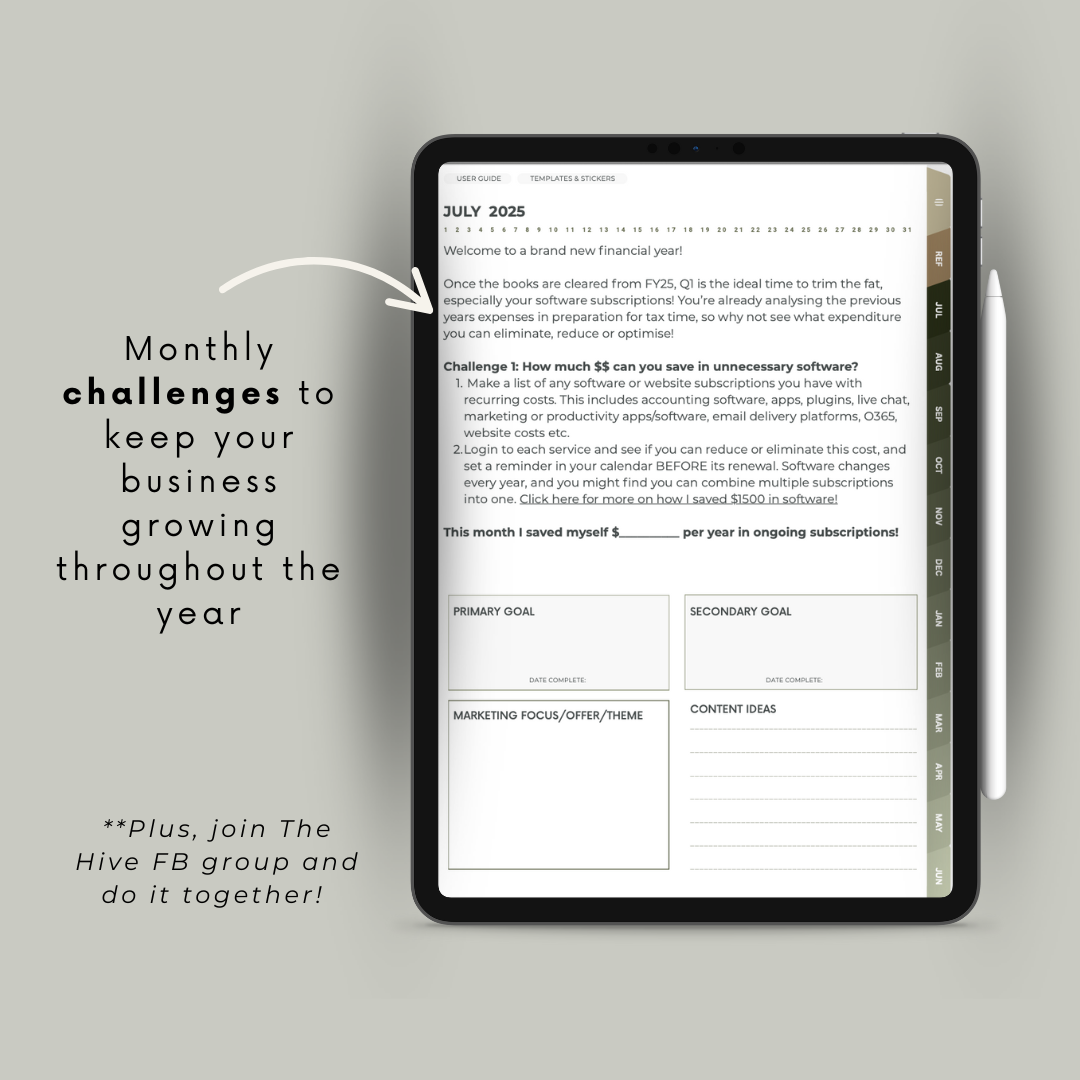
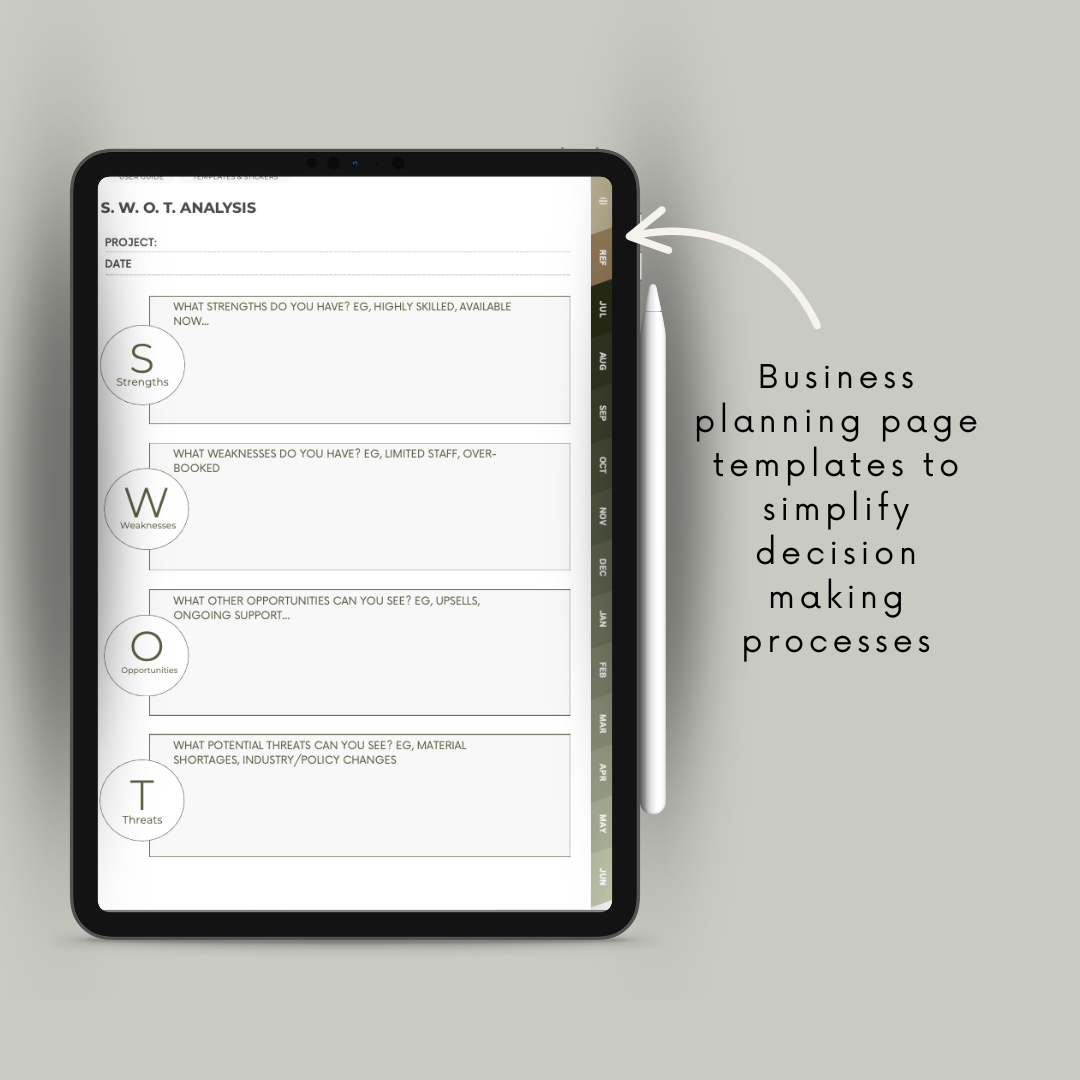
It’s a financial-year dated planner (July 2025–June 2026) filled with guided prompts and space to:
Plan and create strategic, high-impact content
Brainstorm offers that actually convert
Trim the fat (goodbye, wasted expenses)
Streamline your workflow and reduce decision fatigue
Build momentum and beat procrastination
It’s not just a planner—it’s your virtual co-pilot (but without AI confusing your thought process!)
I’m Kirsty, a website designer and digital creator based in Rockingham, WA. I’ve been self-employed nearly all my working life, partnering with small business owners and sole traders for over 15 years.
I know the mental load you carry—because I carry it too.
I’ve also been creating digital planners for 4+ years, using them to manage both business and personal life. My iPad and Apple Pencil are never far away when I’m working.
As a working, homeschooling mum, I’m ruthlessly protective of my time and passionate about helping others reclaim theirs.
So, if you’re looking for a planner that gets you—not just your to-do list—this is it.
Ready?
While you can use these on any device and with any app that can edit pdf documents. However, these digital planners are designed for use on a tablet device (eg an iPad) with a stylus pen (eg, Apple Pen).
Using a phone would be quite small and tricky to read, requiring you to zoom in constantly (would be very frustrating!).
Using a computer is fine – but unless you have a touch screen you’ll be typing into text boxes rather than writing.
Using a tablet with a stylus pen means you can write, highlight/cross out, type, quickly drag in photos or stickers, re-arrange pages as you need. Its the most versatile way to use any planner and is 100% what I do.
What devices we use:
I use an Apple iPad Pro and 2nd gen Apple Pen with the Paperlike screen protector. The notes are mainly used on the iPad, but are synced (via iCloud) across my phone and computer as well for quick reference no matter where I am.
I hate the feeling too! If writing on glass has you completely turned off using your digital planner, I highly recommend giving Paperlike a go. Its a screen protector that removes all the friction of the rubber tip on the glass screen, and fixes the problem completely.
This is not sponsored at all, I just genuinely love this. So much so that I have splurged and bought one for both of my kids’ iPads so when they are doing digital art on Procreate its a more enjoyable experience.
You can purchase the Paperlike screen protector online, or in store at places like Officeworks and JB Hifi.
Short answer: In 2025, I recommend GoodNotes.
I am a huge fan of both Notability and GoodNotes. However, Notability has jacked up their subscription prices in 2023, so in 2024 onwards, I’m switching to GoodNotes.
The only real differences between these apps is how they sync between multiple devices and notability has the option to password-protect your files.
If you want to try GoodNotes, you can download for free on the app store and don’t need to pay until you want to add more than 3 files. If you only use this for your Business planner (for now) and don’t need to sync or use their template/sticker library, you can do this free!
You can also use Evernote, the Apple Notes app (the one that comes with your device!) or any other note-taking app of your choice.
Of course you can! The margins may be a little narrow if you want to print and bind – I’ve designed this to maximise use of the digital editing space.
However, for day to day tracking, this is definitely designed for use on a tablet device with a stylus pen.
Don’t give up!
If you’re getting frustrated with learning how to switch from paper to digital planners (stick with it long enough and you’ll never go back!) – check out my help pages for tutorials on how to use the planners and getting started with digital journalling in general.
This can be used no matter what type of business you have. As you grow, the nature of the challenges you face changes with your business growth.
Therefore, this is is definitely geared toward the unique challenges that face micro business, sole traders, start ups and small local businesses, where the owner is wearing many different hats, from accounting, marketing, sales, fulfilment and customer retention… This planner helps streamline those to make it possible to do it all without reaching burn out or giving up and going back to a J.O.B.
You must be logged in to post a review.
I will NEVER, ever, ever spam your inbox (pinky promise!) or share your details with anyone else. You’ll just get infrequent updates from me including some cute freebies!
Reviews
There are no reviews yet.