
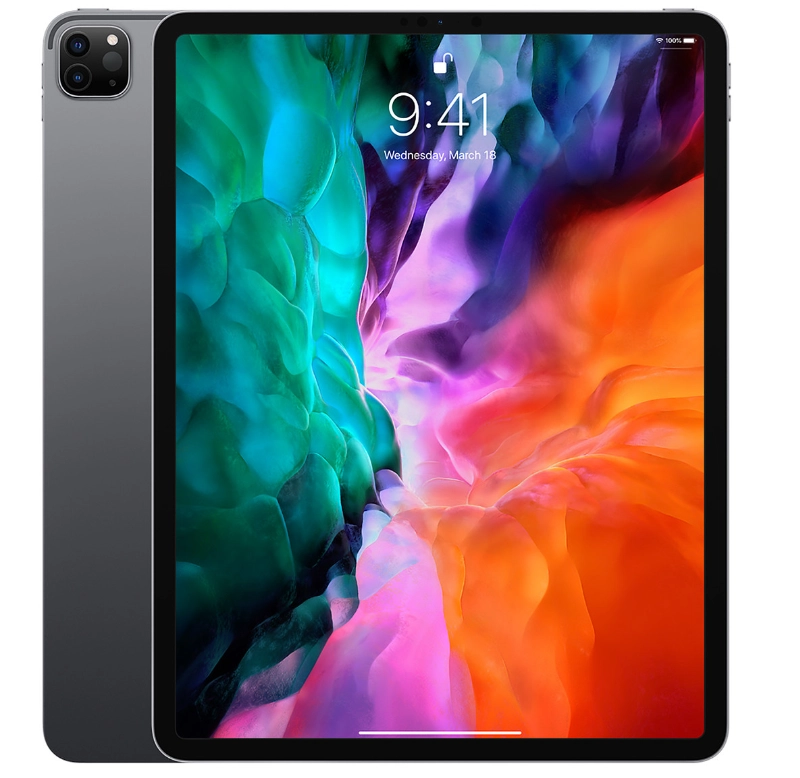
This is MY device, not something shared with my kids. I use this extensively in my business as well as personally for digital art and planning. For most users, the iPad Pro is overkill and a standard iPad will suffice. Only included here because this is what I personally use (and LOVE!) and its one hell of a powerful tablet device.
Apple hardware doesn’t often get discounted much, but you can find second-hand devices in IT stores and Facebook Marketplace.
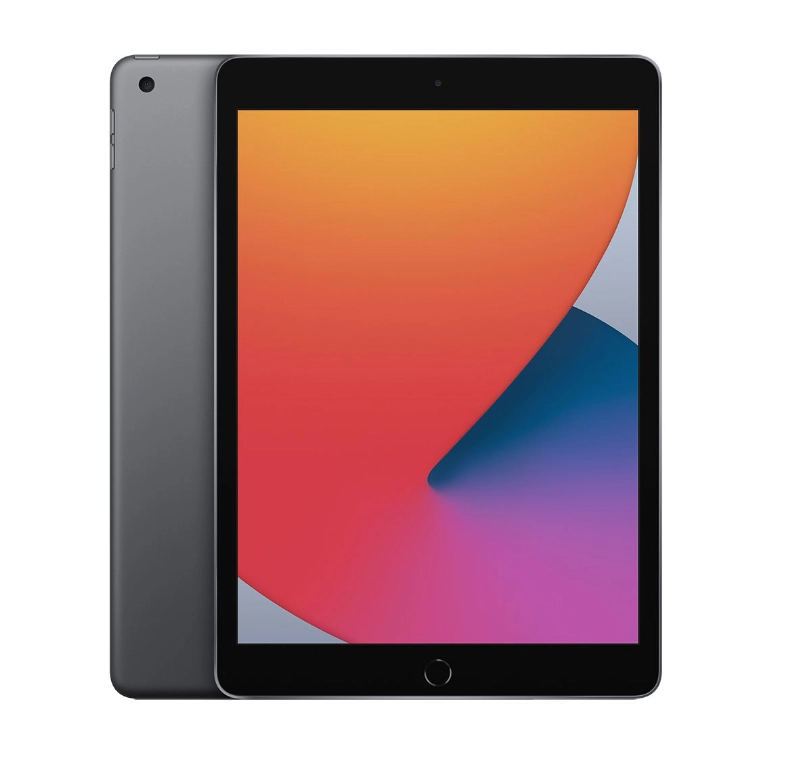
This is the device both of my kids have. I have each of them setup under ScreenTime with limited access to their devices at certain times. This iPad is less powerful than the Pro, and there are some features not included in the standard iPad. However, its the toughest device for kids and does the job perfectly.
When buying for kids – look for second hand. When shopping for a second-hand iPad, look for 9th gen or younger as older devices may not function correctly with all apps.
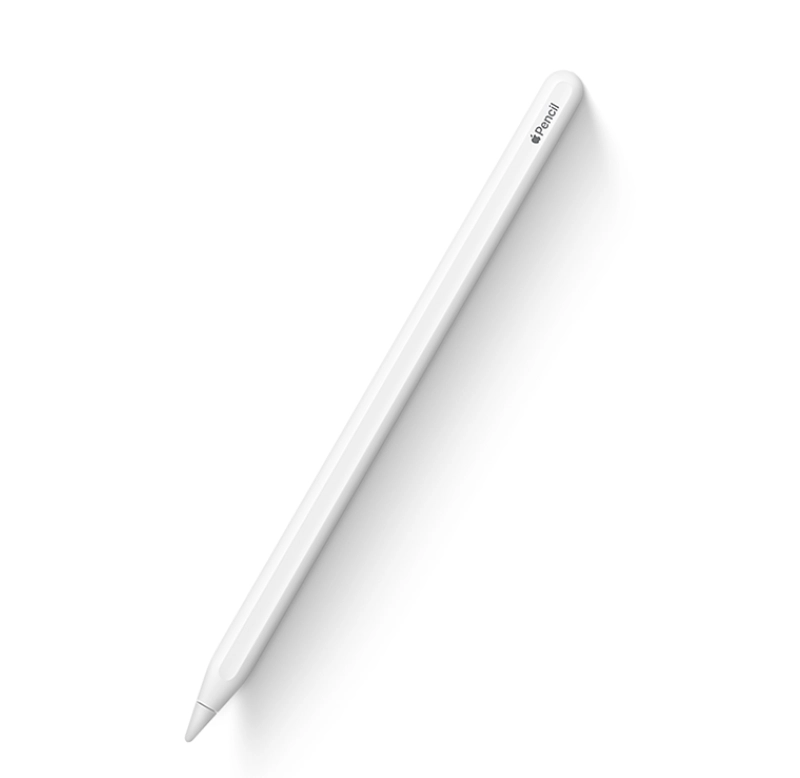
I have the 2nd gen pencil as it charges with the magnetic strip on the side of the iPad Pro, where the 1st gen needs to be plugged in and the tip can be misplaced (kids!). Other than that though, both Apple pencil 1st and 2nd gen work really well, so if budget is a thing or you’re buying for the kids, go 1st gen (just keep an eye on the tip!)
These are available anywhere that sells apple items. Just be careful for cheap knock-offs as they do not work anywhere near as well
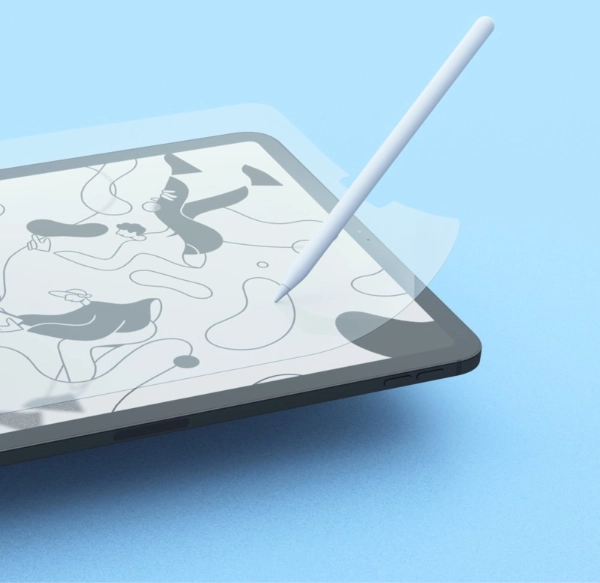
This is the secret sauce to writing and drawing on the iPad – this screen protector removes the yucky friction from the rubber tip that is such a turn-off for digital planning. If you use it a lot, it does eventually wear out so I recommend also using a folio-style cover to prevent it wearing out too fast.
I have this on both kids and my own iPads – its a game changer!
These are available at JB Hifi, Office works and other stores – check online for special prices!
While the shopping list about may seem daunting, these things last a long time. I have personally had my iPad Pro and 2nd gen pencil for 3 years and it is still going strong.I have friends with a cheaper Android that is only 18 months olf and already showing signs of dying.
*Keep in mind I use my iPad Pro for my business, and the cost is probably not necessary for the average user – a standard iPad is more than powerful enough for digital planners.
Let’s assume you purchase a brand new 9th gen iPad ($549), 1st gen pencil ($159) and paperlike ($60) today – a total of $768. You can reasonably expect these to all last you at LEAST 5 years before needing any upgrades – so $768 / 5 = $153 per year.
I have seen physical life planners/diaries sell for up to $200 (more than the annual cost of the iPad!). Of course most people would only spend $20 on a yearly diary at the shop, but then you need pens/highlighters etc and other notebooks for everything else – budgets, recipes, homeschool…. etc.
It’s not as crazy expensive as you might think – and this doesn’t even account for the many other functions your iPad can cover.
I am something of an Apple fan-girl so cannot recommend any Android tablet devices. In the limited experience I have had with Android devices, they pale in comparison to Apple. I won’t get into it, as I’m bound to get in trouble with Android fans, but I will just say that there are many, many good reasons why iPad is still the top-selling and most popular device (its not just marketing!)
All of my planners are simple linked PDF files and the apps I recommend (Notability and GoodNotes) are both available on Android. So if you’re an Android lover, than the planners/digital goodies you’ll find on my site will work just as you’d expect on your device.
Buyer beware is all I’ll say here. Switching to digital planning can be a learning curve on its own, the last thing you want to do is complicate that with a jittery pen that doesn’t work well.
Knock-off pens generally don’t last as long, may drop out all the time and the writing experience may not be as smooth.
I will NEVER, ever, ever spam your inbox (pinky promise!) or share your details with anyone else. You’ll just get infrequent updates from me including some cute freebies!